The Unsummoner
The Unsummoner was created in 72 hours for Ludum Dare 55. I did this jam with one other person - primarily a gameplay programmer, so I was responsible for a variety of tasks. I worked on level design, FPS hands as well as visual effects for guns and shooting, and testing & balancing.
My Contributions
Environment
I dread level design. But we only had two people on the team this time, and only one of them had prowess in 3D modeling. So I had to do it. My initial idea was to make an outdoors space, like a cemetery. However, after spending a few hours modeling the outdoors environment, my gaps in environmental modeling quickly showed. After some time, I decided to cut my losses and scrap the outdoors level idea entirely, instead transitioning to a more closed off dungeon environment.
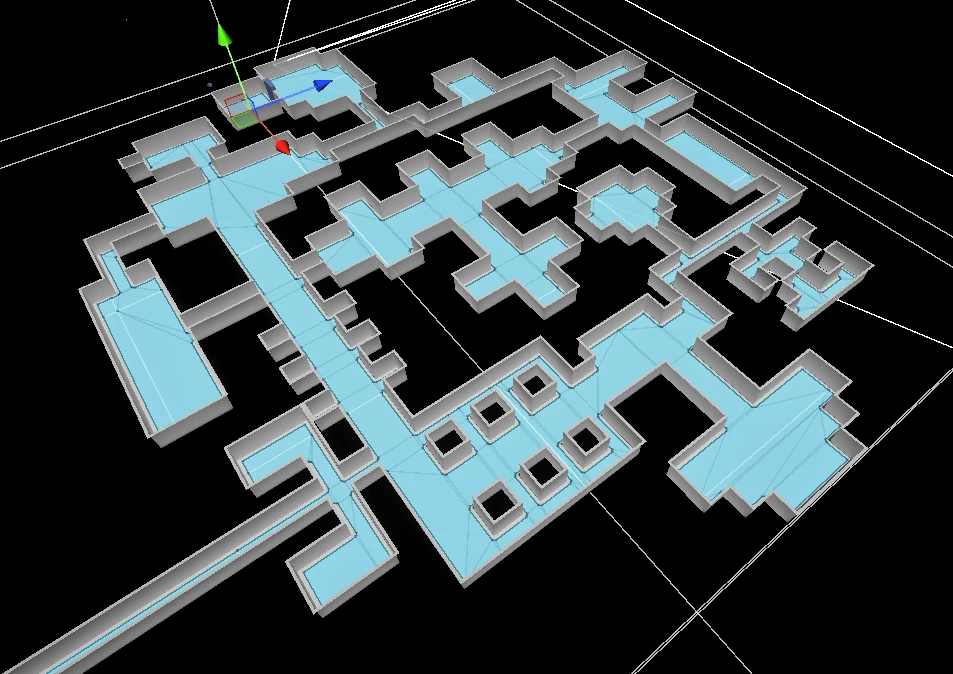
Level Design
On the next day, I started making a dungeon where the sun doesn’t shine. I began by blocking out the basic floor layout, planning the flow between rooms and corridors. The level needed to balance exploration with combat encounters while maintaining clear navigation for players hunting down enemies.
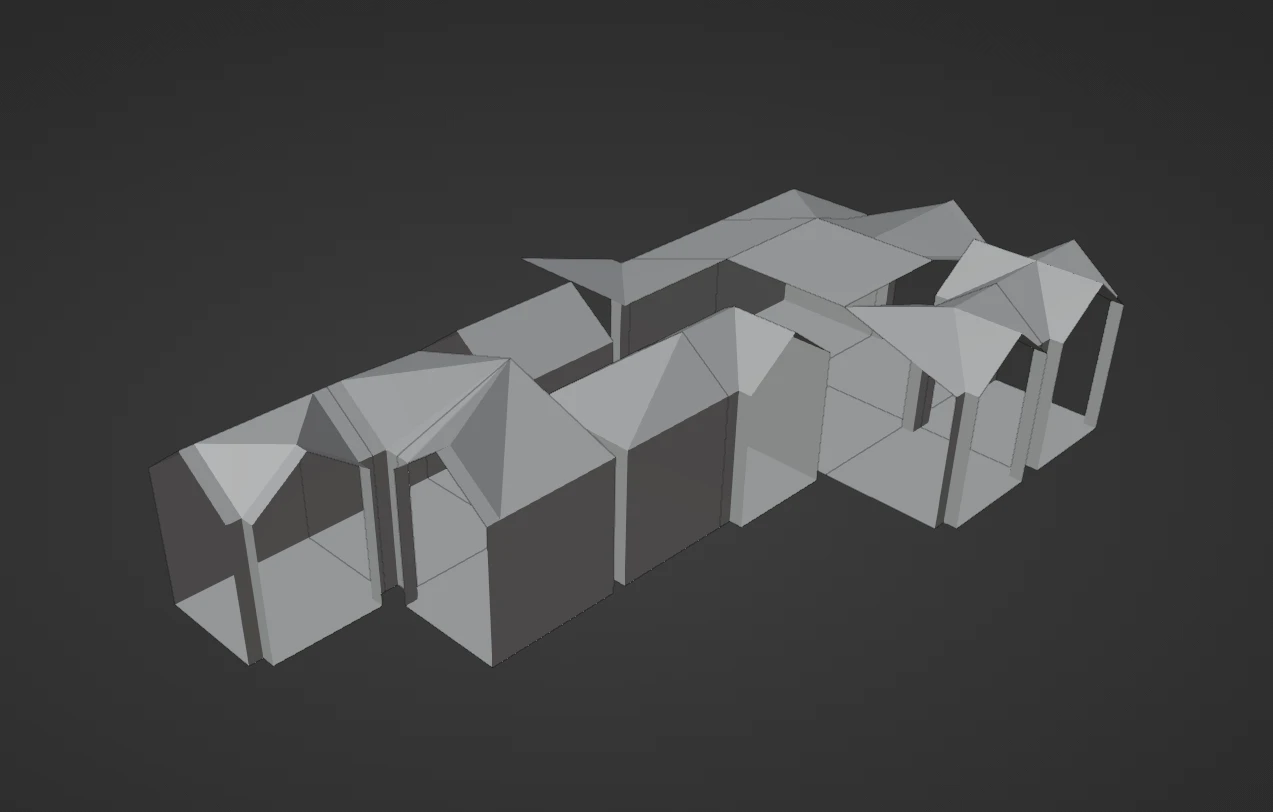
Tile-Based Workflow
I created 13 unique tile pieces where walls would flow seamlessly into each other based on the floor layout. One major advantage of this workflow is that the tiles were instanced - modifying an original tile would automatically update all instances throughout the level, allowing for rapid iteration and consistent visual quality.
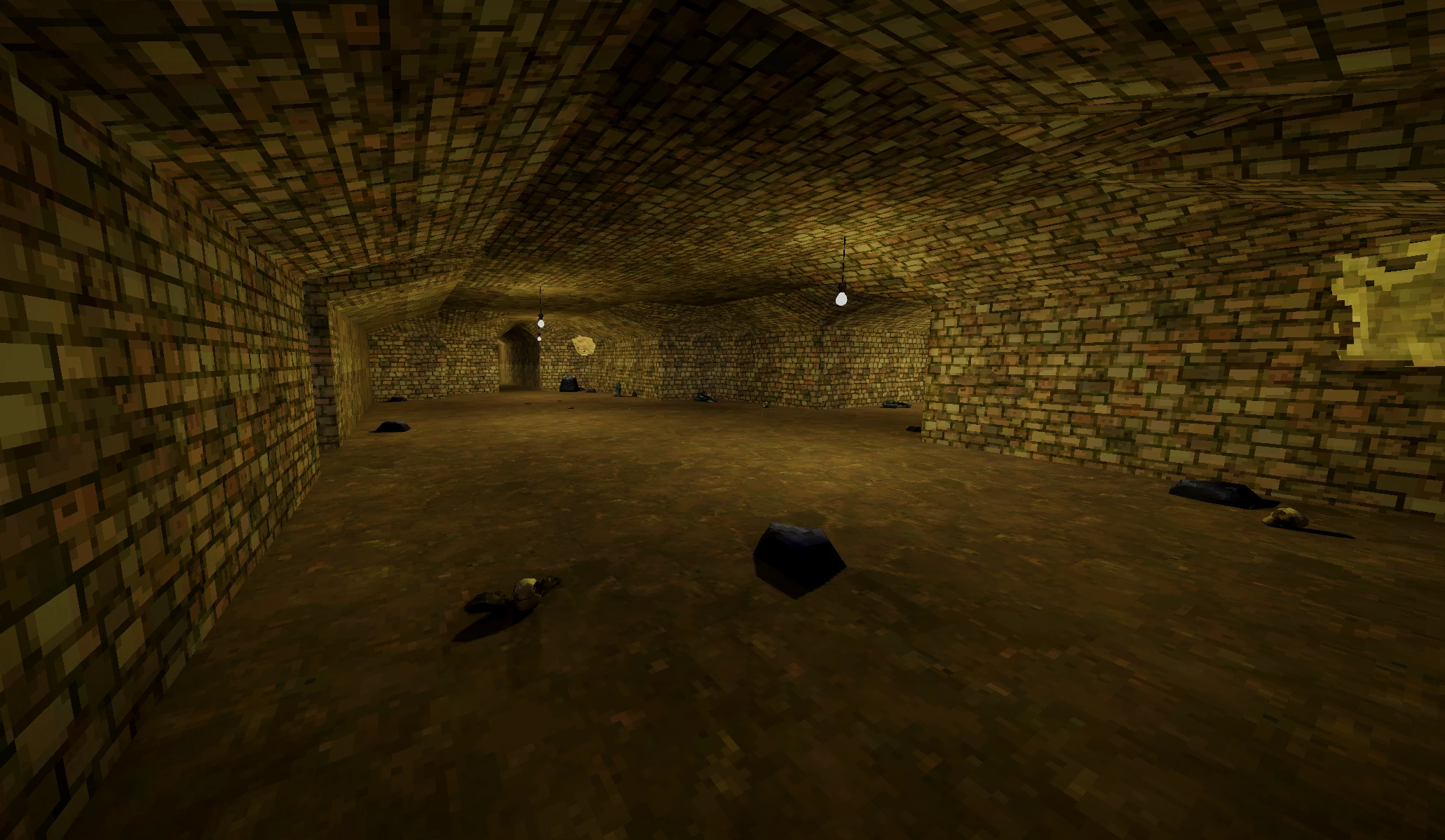
Lighting
The final result was baked with a GPU lightmapper called Bakery. The ceiling light bulbs used a hybrid approach - baked lights for the static environment and realtime lights for dynamic elements like enemies, weapons, and FPS arms. While this level of optimization isn’t necessary for a small scope project, it’s good practice.
FPS Hands
Since this is an FPS game, we needed some FPS elements. I modeled and rigged the hand. But when I say modeled, I actually used a base human mesh model library, extracted two arms, and added custom textures to them. The idea was to give the impression that the protagonist is some undead dude that can summon weapons out of thin air, so I made him purple, scribbled some symbols on his arm, and called it a day. To save time, instead of traditionally animating the right arm, I actually made 3 distinct positions: empty, drawing, and holding (a gun). The hand would instantly switch between these states when the gameplay demanded it.
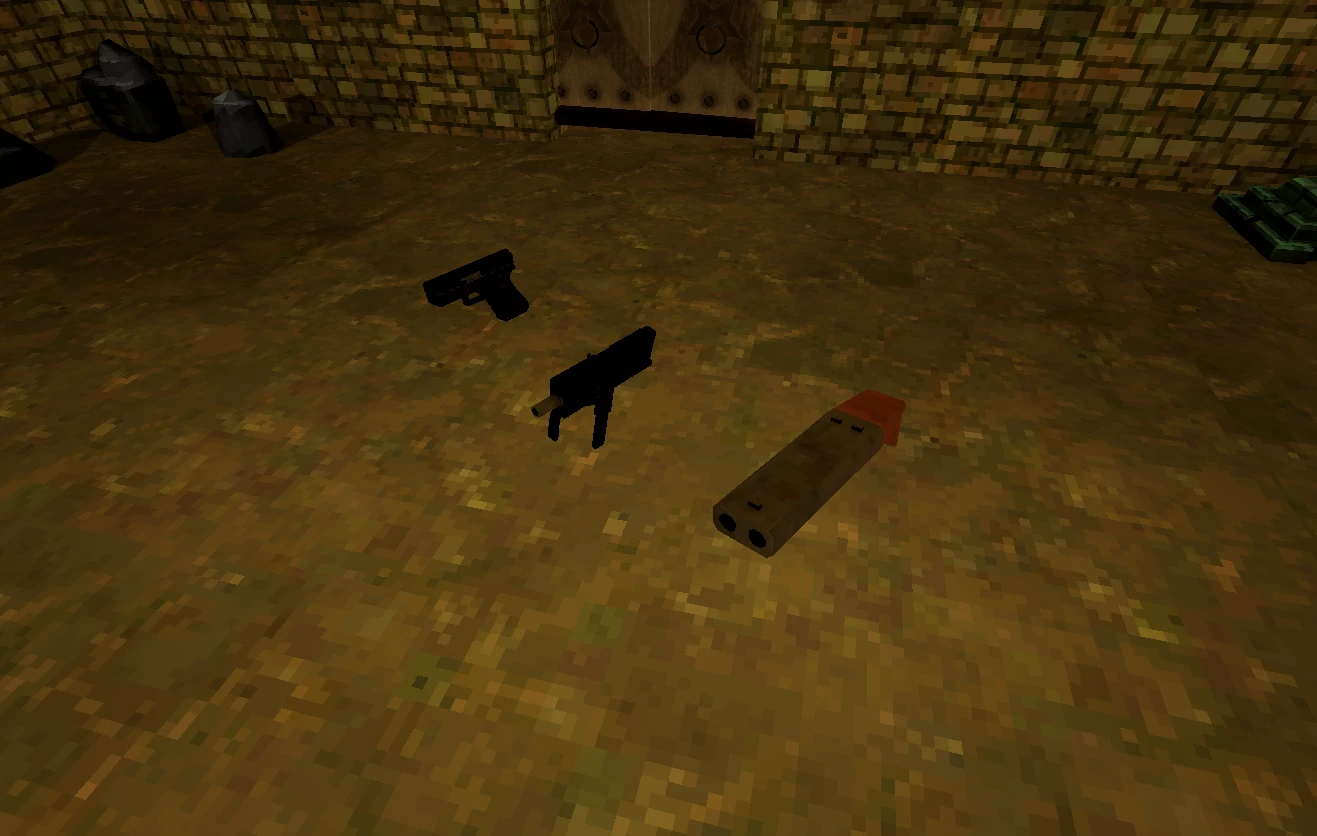
Weapons
I also quickly modeled all 3 guns that you can summon in the game: glock, sawed off shotgun, and MAC-10. I didn’t bother animating them because shooting them would shake the screen so vigorously that any moving elements, like the chamber sliding back wouldn’t be noticed anyway. Similarly, we didn’t need reload animations because when the ammo runs out, the gun would be discarded anyway, and you would have to summon another one. So re-summoning a weapon is your way or reloading.
The Book
I also made the book that the player is holding in the left hand. Textures and the meshes were hacked together in a rush, as I wanted to put the majority of my focus onto the page flip. In the game, you can scroll through the list of sigils at your disposal with the scroll wheel, and I wanted to represent that scrolling with two distinct page flip animations. If I had more time, I would have made the page flip animation more interesting, as it was comprised of 9 bones that make the page curve like a spine, and I also would have made more pages flip in a sequence rather than one.
Enemies
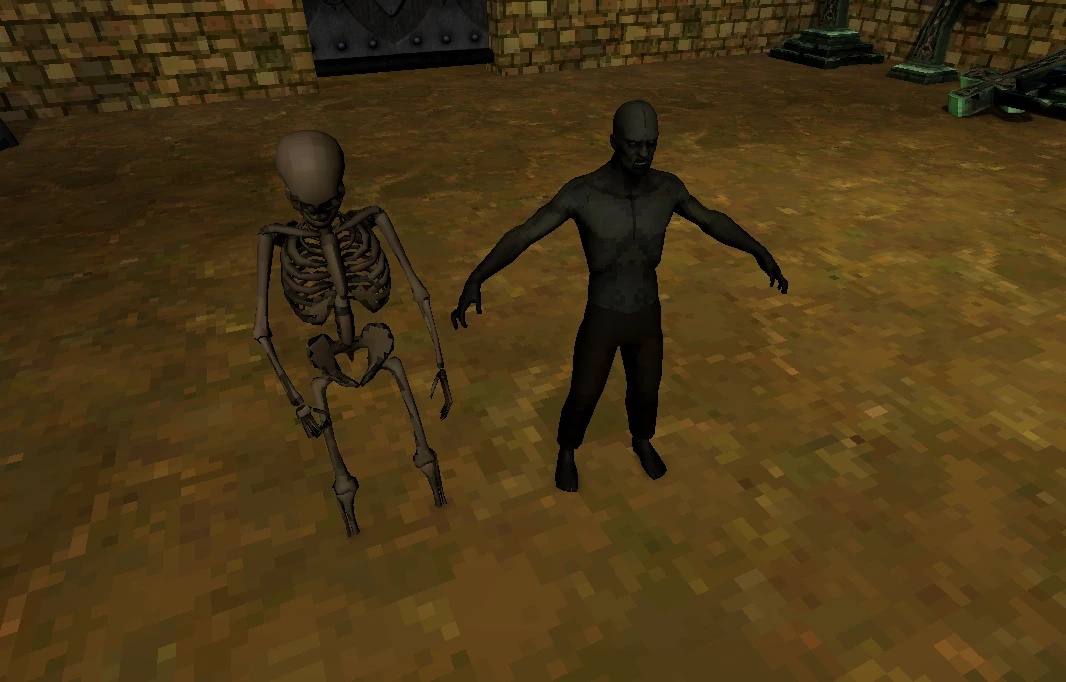
Due to time constraints, I did not have time to model and animate enemies myself. We opted to use free models of a zombie and a skeleton from the asset store, and we used Mixamo to quickly rig and animate them. The only thing I did was pixelate their textures to be in line with the art style of the game.
Testing & Balancing
After I had finished making the most crucial visual elements, I spent a large chunk of time balancing movement, weapons, and sigils. I tweaked weapon parameters like damage, attack speed, ammo, until they felt as good as possible with the content that we had. I also manually placed the enemies in the level. In retrospect, I may have overdone the enemies a little bit. But thanks to our x-ray sigil, you could temporarily see them through walls, which ensured that finding the last ones standing was a trivial task.
Sigil Design & Iteration
Balancing the sigils took up a lot of my time. I have had to re-draw those sigils a number of times to minimize overlap between different sigils so that the game doesn’t get confused and give you a wrong weapon.
.webp)
First iteration - the left one was confused for shotgun, middle one too hard to draw quickly
Alternative designs - same issues as original iterations
Final iteration - settled due to time constraints
Due to time constraints, we had to settle on this iteration of sigils. The glock ended up being very easy and satisfying to draw. Unfortunately, the MAC-10 was often confused for other weapons.
Utility Sigils
.webp)
Later in development, I added sigils for core gameplay mechanics like opening doors (key shape) and x-ray vision (eye shape). These felt more intuitive as their symbols reflected their functions.